Best AI Presentation Makers in 2026 (Ranked & Reviewed)
Gamma vs Beautiful.ai — the top AI presentation tools compared on design quality, ease of use, collaboration features, and price.

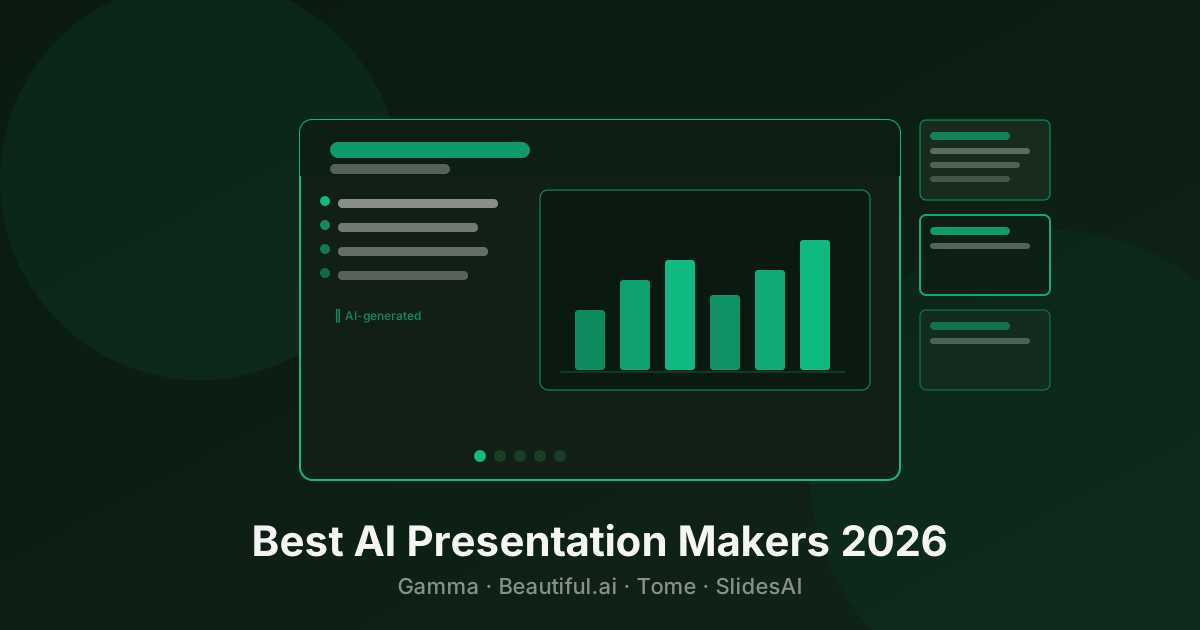
Building a good presentation from scratch takes hours. AI presentation tools cut that to minutes — you describe your topic, and a full deck appears with layouts, content, and design already done.
Quick Comparison
| Tool | Best For | Pricing | Export |
|---|---|---|---|
| Gamma | Speed, prompting, sharing | Freemium | PDF, PPTX |
| Beautiful.ai | Teams, brand consistency | Paid | PDF, PPTX |
1. Gamma — Best for Speed
Pricing: Free (400 credits) · Plus $8/mo · Pro $15/mo
Type a topic, choose a style, and Gamma generates a complete presentation in under 30 seconds. The AI writes the content, picks layouts, adds relevant icons, and structures the narrative. It’s the fastest way to go from idea to shareable deck.
Gamma decks are shared as web links by default — no downloads needed. This makes them interactive: you can embed videos, live websites, polls, and GIFs directly in slides. Analytics show who viewed your deck and for how long.
The AI chat interface lets you refine after generation — “make this slide shorter,” “add a comparison table,” “change the tone to more formal.” It iterates naturally.
Limitation: Less control over precise pixel-level design. If your brand has strict guidelines, Beautiful.ai gives more consistency.
Best for: Founders pitching investors, marketers making quick decks, anyone who needs something good fast.
→ See Gamma details and pricing
2. Beautiful.ai — Best for Teams
Pricing: Pro $12/mo · Team $40/user/mo
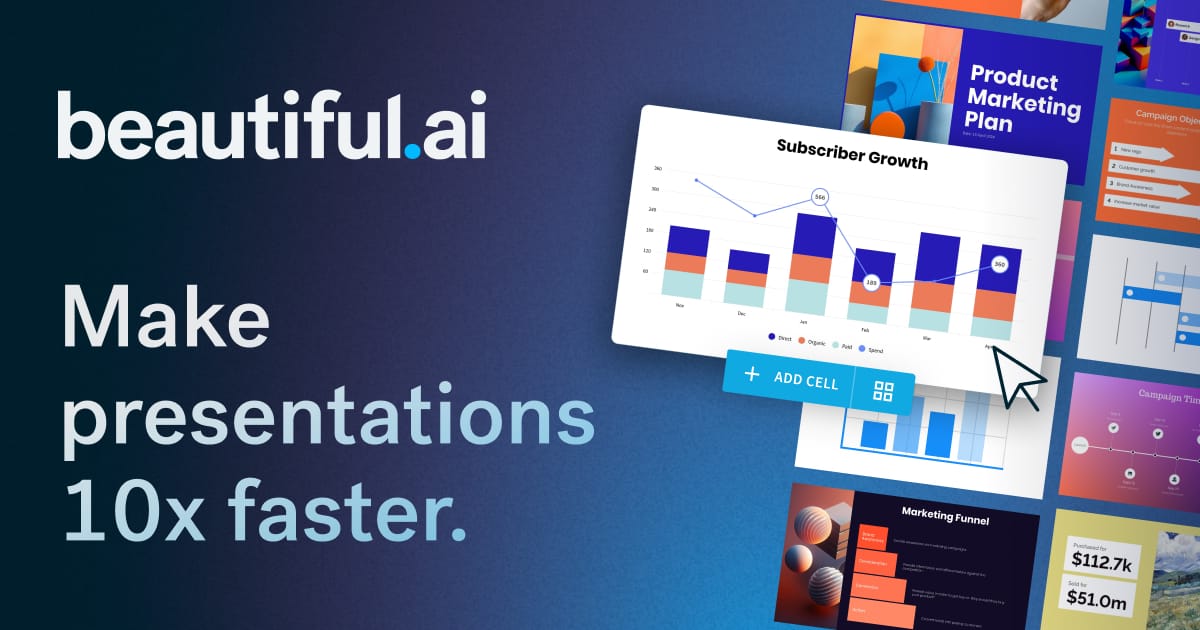
Beautiful.ai uses “smart slides” — templates that automatically reflow and resize when you add or remove content. Add a fourth bullet point and the layout adjusts. Add a team member photo and the grid realigns. It removes the fiddling that makes PowerPoint tedious.
The Team plan adds a shared template library, brand kit (colors, fonts, logos applied across all slides), and viewer analytics. Managers can set brand-locked templates that employees can populate but not redesign — useful for keeping sales decks consistent across a large team.
Limitation: No free tier after the trial. More expensive per seat than Gamma.
Best for: Sales teams, marketing teams, and businesses that need consistent branded presentations at scale.
→ See Beautiful.ai details and pricing
How to Choose
Need a deck in the next 10 minutes: Gamma
Team with brand standards: Beautiful.ai
On a tight budget: Gamma free tier
Browse all AI Presentation Generator tools or explore AI Productivity tools.
Questions people ask
What is the best AI presentation maker in 2026?
Gamma is the best AI presentation tool for speed — type a prompt and get a full deck in seconds. Beautiful.ai is better for teams that need consistent, on-brand presentations with more control over design.
Can AI replace PowerPoint?
For simple decks and fast presentations, yes. AI tools like Gamma generate slides much faster than building them manually in PowerPoint. For complex, highly customized presentations with precise layout control, PowerPoint still wins. Most people end up using both — AI to draft, PowerPoint or Canva to polish.
Are AI presentations free to make?
Gamma has a free tier that gives you 400 AI credits (enough for several decks). Beautiful.ai offers a free trial. For ongoing use, both require paid plans.
Can I export AI presentations to PowerPoint?
Yes. Both Gamma and Beautiful.ai support export to PDF and PPTX, so you can take AI-generated slides into PowerPoint or Keynote for further editing.
Tools mentioned
The toolbox

Send this to someone who's confused about AI.
It takes one tap, and they get the version without the hype.