Best AI Meeting Assistants in 2026 (Ranked & Reviewed)
The top AI meeting assistants tested and ranked — Fireflies, Fathom, Otter AI, and Mem compared on transcription accuracy, summaries, integrations, and price.

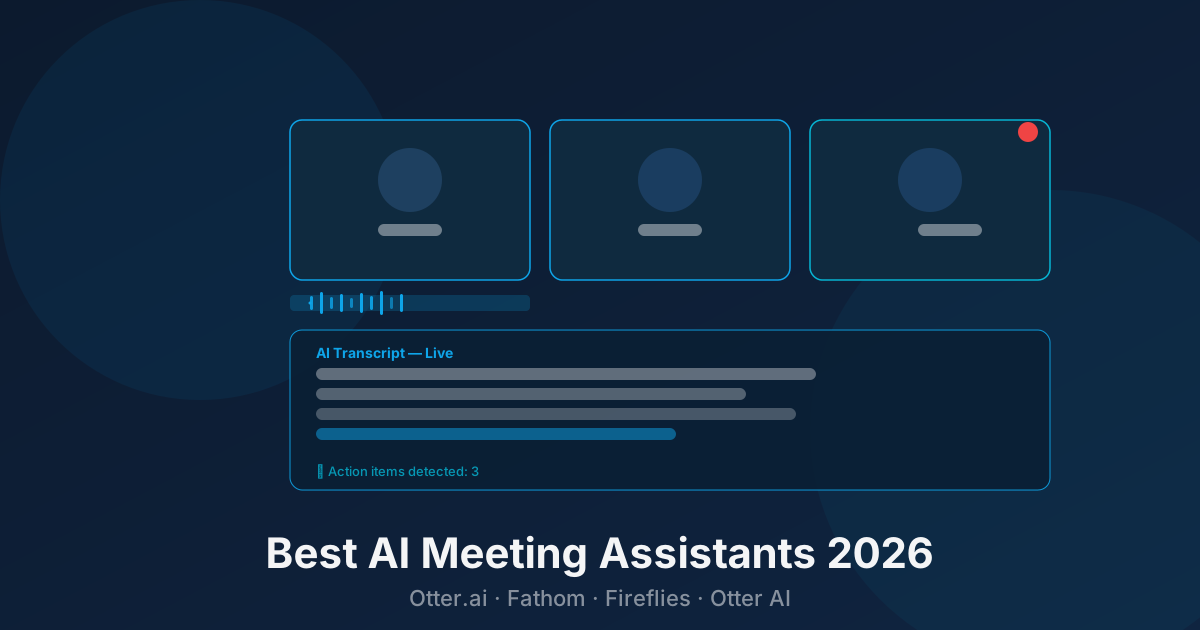
Every professional sits through too many meetings and forgets half of what was said. AI meeting assistants fix that — they join your calls, transcribe everything, and deliver a clean summary with action items the moment the meeting ends.
In 2026 the tools are genuinely good. The question is which one fits your workflow.
Quick Comparison
| Tool | Best For | Pricing | Free Tier |
|---|---|---|---|
| Fathom | Free unlimited recording | Freemium | ✓ Unlimited |
| Fireflies.ai | Teams + CRM integration | Freemium | ✓ Limited |
| Otter AI | Live transcription | Freemium | ✓ 300 min/mo |
| Mem.ai | AI-connected notes | Freemium | ✓ Yes |
1. Fathom — Best Free Option
Pricing: Free forever · Team Edition from $19/user/mo
Fathom is the most generous AI meeting tool on the market — the free plan includes unlimited recording, transcription, and AI summaries with no time limit. For individual users, there is genuinely no reason to pay.
After a Zoom call ends, Fathom sends you a summary within minutes. It highlights key moments, action items, and decisions. You can click any part of the summary to jump to that moment in the recording.
The paid Team Edition adds CRM sync (HubSpot, Salesforce), shared team libraries, and collaboration features. But for a solo user or small team, free is hard to beat.
Limitation: Currently Zoom-focused. Google Meet and Teams support exists but Zoom is where it works best.
Best for: Individuals and small teams who want free unlimited meeting notes.
2. Fireflies.ai — Best for Teams
Pricing: Free · Pro $18/seat/mo · Business $29/seat/mo
Fireflies is the most feature-complete AI meeting assistant for teams. It works across Zoom, Google Meet, Teams, Webex, and phone calls — and its searchable meeting archive is genuinely powerful. You can search across every meeting your team has ever recorded: “find every time we discussed pricing in Q1.”
The CRM integrations are deep — it can auto-populate Salesforce or HubSpot with call notes, action items, and summaries tied to the right contact record. For sales teams, this alone saves hours per week.
The AI analysis features go beyond summaries: sentiment tracking, talk-time analytics, filler word counts, and topic tracking help managers coach reps and improve meeting quality.
Limitation: The free tier limits you to 800 minutes of storage — enough to evaluate it but not for ongoing use. Teams will need the Pro plan.
Best for: Sales teams, customer success teams, and any team that needs meeting data feeding into a CRM.
3. Otter AI — Best for Live Transcription
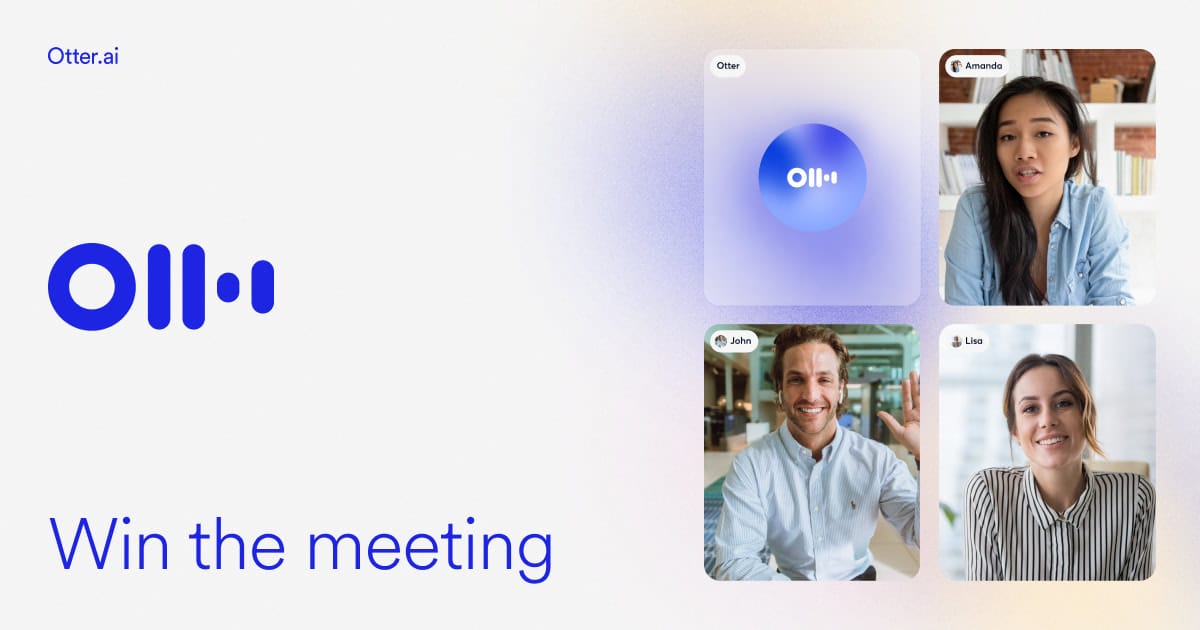
Pricing: Free (300 min/mo) · Pro $16.99/mo · Business $30/user/mo
Otter AI’s strength is live, real-time transcription. As people speak, words appear on screen instantly — useful for accessibility, for people who think better reading along, and for catching things you missed in the moment.
The OtterPilot feature joins meetings automatically and can answer questions from participants using the meeting transcript as context (“what did we decide about the deadline?”). It also generates automated slide summaries when someone shares their screen.
Otter has been around longer than most competitors and has the most mature mobile app — dictation, live transcription on your phone, and note-taking outside of meetings all work well.
Limitation: The free plan’s 300 minutes per month fills up fast if you’re in meetings daily.
Best for: Anyone who values real-time transcription, accessibility-focused teams, heavy mobile users.
4. Mem.ai — Best for Connected Notes

Pricing: Freemium · Mem Pro $14.99/mo
Mem takes a different angle — it’s less about recording calls and more about connecting your meeting notes to everything else you know. It uses AI to automatically link related notes, surface relevant context before meetings, and let you ask questions across your entire knowledge base.
If you already take notes manually but want AI to make them smarter and more connected, Mem is a strong fit. It works best for knowledge workers, researchers, and founders who need to synthesize information across many meetings and projects.
Limitation: No auto-join bot — you need to write or paste your notes in. Not a passive recorder like the others.
Best for: Knowledge workers who want AI to connect their notes, not just transcribe meetings.
How to Choose
Want free unlimited recording: Fathom
Need CRM integration for sales: Fireflies.ai
Want live real-time transcription: Otter AI
Want smarter connected notes: Mem.ai
Browse All AI Meeting Tools
Explore the full AI Meeting Assistant directory or browse all AI Productivity tools.
Questions people ask
What is the best AI meeting assistant in 2026?
Fathom is the best free AI meeting assistant — unlimited recording and transcription at no cost. Fireflies.ai is the best paid option for teams with deep CRM integrations and a searchable meeting archive. Otter AI is best for live transcription and real-time collaboration.
Do AI meeting assistants work with Google Meet and Teams?
Yes. Fireflies, Fathom, and Otter AI all support Zoom, Google Meet, and Microsoft Teams. Most work as a bot that joins your call automatically when added to your calendar.
Are AI meeting transcriptions accurate?
In 2026, leading tools hit 90–95% accuracy on clear audio with native English speakers. Accuracy drops with accents, technical jargon, cross-talk, or poor audio quality. Most tools let you edit the transcript after the fact.
Is it legal to record meetings with AI?
It depends on your jurisdiction. In the US, most states require only one-party consent, but some (like California) require all-party consent. In the EU, GDPR applies. Best practice is to always notify all participants that the meeting is being recorded — most AI tools display a bot in the participants list which serves as implicit notice.
Can AI meeting assistants integrate with my CRM?
Yes — Fireflies.ai integrates with Salesforce, HubSpot, Pipedrive, and others. It can auto-log call notes, action items, and summaries directly to contact records. Fathom also integrates with HubSpot and Salesforce on paid plans.
Tools mentioned
The toolbox


Send this to someone who's confused about AI.
It takes one tap, and they get the version without the hype.