Best AI Image Generators in 2026 (Ranked & Reviewed)
We tested 10 leading AI image generators — here's how Midjourney, DALL-E 3, Stable Diffusion, Flux, and more compare on quality, speed, price, and ease of use.
In this explainer13
- 01Quick Comparison
- 021. Midjourney — Best for Artistic Quality
- 032. DALL-E 3 — Best for Following Complex Prompts
- 043. Flux AI — Best for Photorealism
- 054. Adobe Firefly — Best for Commercial-Safe Images
- 065. Leonardo.ai — Best Free Tier + Game Assets
- 076. Stable Diffusion — Best Open-Source Option
- 087. Ideogram — Best for Text in Images
- 098. Bing Image Creator — Best Free Option
- 109. GetImg.ai — Best for Bulk and API Generation
- 1110. Canva AI Image Generator — Best for Non-Designers
- 12How to Choose the Right AI Image Generator
- 13Browse All AI Image Tools
AI image generators have gone from novelty to professional tool in two years. In 2026, they’re used by designers, marketers, filmmakers, game developers, and millions of everyday people who just want to make something beautiful.
But with dozens of options, picking the right one is genuinely hard. They differ wildly on image quality, pricing, prompt accuracy, commercial rights, and ease of use.
We tested 10 of the most popular AI image generators and ranked them. Here’s what we found.
Quick Comparison
| Tool | Best For | Pricing | Image Quality |
|---|---|---|---|
| Midjourney | Artistic quality | From $10/mo | ⭐⭐⭐⭐⭐ |
| DALL-E 3 | Prompt accuracy | Free with ChatGPT | ⭐⭐⭐⭐⭐ |
| Flux AI | Photorealism | Free tier available | ⭐⭐⭐⭐⭐ |
| Adobe Firefly | Commercial-safe | Freemium | ⭐⭐⭐⭐ |
| Leonardo.ai | Game assets & variety | Freemium | ⭐⭐⭐⭐ |
| Stable Diffusion | Custom & open-source | Free (self-hosted) | ⭐⭐⭐⭐ |
| Ideogram | Text in images | Freemium | ⭐⭐⭐⭐ |
| Bing Image Creator | Free use | Free | ⭐⭐⭐ |
| GetImg.ai | Bulk generation | Freemium | ⭐⭐⭐⭐ |
| Canva AI | Non-designers | Freemium | ⭐⭐⭐ |
1. Midjourney — Best for Artistic Quality
Pricing: $10/mo (Basic) · $30/mo (Standard) · $60/mo (Pro)
Midjourney is still the benchmark for pure image quality. When you want something that looks stunning — editorial photography, fantasy art, architectural visualization, fashion — nothing touches it consistently.
Version 6.1 introduced significantly better text rendering, more accurate anatomy, and improved coherence in complex scenes. The aesthetic tends toward the cinematic and dramatic, which is a feature if that’s your goal, but a limitation if you want something more neutral.
The downside: Midjourney runs through Discord, which is clunky. There’s no undo, no layers, no design workspace — you’re prompting and downloading. The web interface has improved but still feels secondary. It’s also not free at all; there’s no trial tier.
Best for: Creatives, concept artists, marketing teams who prioritize visual quality above everything else.
What users say: “Nothing else gets me images that look this good this consistently. I’ve tried everything.”
→ See Midjourney details and pricing
2. DALL-E 3 — Best for Following Complex Prompts
Pricing: Free with ChatGPT (limited) · ChatGPT Plus $20/mo for higher limits
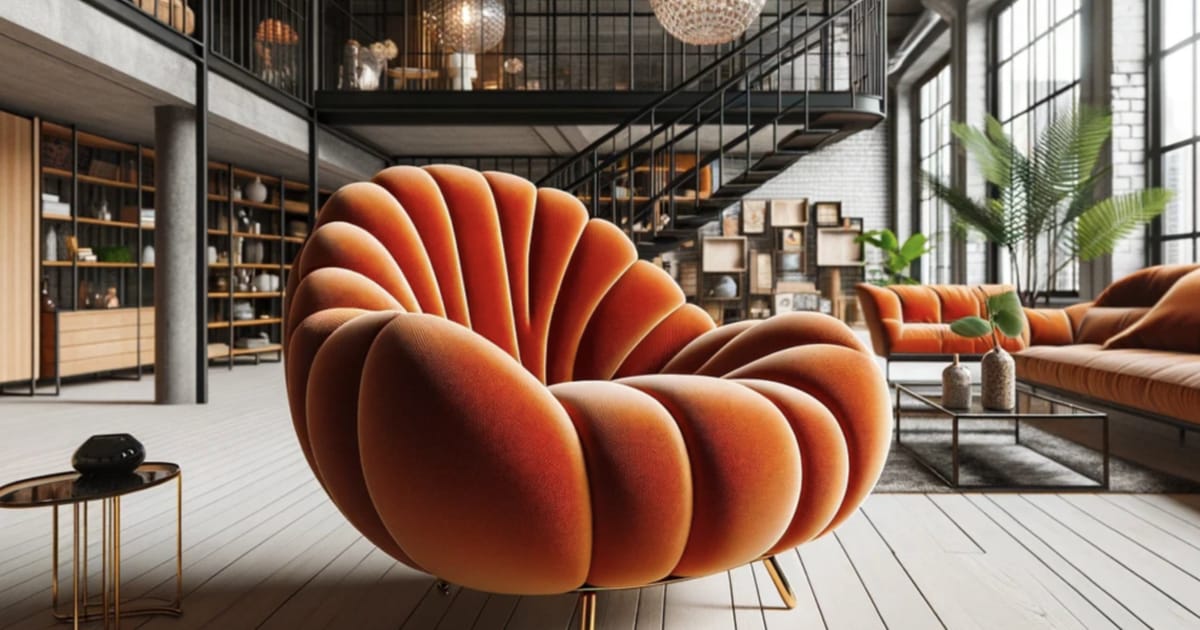
DALL-E 3’s superpower is prompt adherence. Ask it for “a red ceramic mug on a wooden table with morning light coming from the left” and that’s exactly what you get. Other generators interpret prompts loosely; DALL-E 3 treats them as instructions.
It’s integrated directly into ChatGPT, which means you can have a conversation to refine your image — “make the background blurrier,” “add a plant in the corner,” “make it look more vintage.” No other tool makes iteration this natural.
Image quality is excellent across the board, particularly for illustrations and product-style shots. It’s weaker than Midjourney for purely artistic/cinematic results, but stronger for anything where accuracy matters.
Best for: Content creators, marketers, anyone who wants to describe exactly what they want and get it.
→ See DALL-E 3 details and pricing
3. Flux AI — Best for Photorealism
Pricing: Free tier available · Pro from $0.055/image via API
Flux.1, developed by Black Forest Labs, made a splash in 2024 and has only gotten better. For photorealistic images — people, products, environments — Flux Pro regularly outperforms Midjourney. Faces look more natural, lighting is more accurate, and the images have less of the “AI look.”
The three model tiers (Schnell, Dev, Pro) let you balance speed vs. quality. Schnell generates in 1-4 steps (very fast), while Pro delivers the highest quality results. It’s available through multiple platforms including Replicate, fal.ai, and its own interface.
The limitation: Flux’s artistic aesthetic is less distinctive than Midjourney’s. If you want a specific “style,” Midjourney gives you more consistent character. Flux is neutral and realistic.
Best for: Product photography mockups, realistic portraits, architectural renders.
→ See Flux AI details and pricing
4. Adobe Firefly — Best for Commercial-Safe Images

Pricing: 25 free credits/mo · Firefly Premium from $4.99/mo · Included in Creative Cloud
Adobe Firefly is the only major AI image generator trained exclusively on licensed and public domain content. That means every image you generate is legally cleared for commercial use — no copyright uncertainty.
The image quality has improved dramatically from the early days. It’s not quite at Midjourney’s artistic level, but it’s genuinely good for marketing materials, website graphics, and professional use cases where you can’t risk a rights dispute.
The tight Creative Cloud integration is a killer feature for existing Adobe users — Generative Fill in Photoshop, generative expand in Lightroom, and vector generation in Illustrator all run on Firefly under the hood.
Best for: Businesses, agencies, anyone who needs commercial-safe AI images without legal risk.
→ See Adobe Firefly details and pricing
5. Leonardo.ai — Best Free Tier + Game Assets
Pricing: Free (150 tokens/day) · Apprentice $10/mo · Artisan $24/mo
Leonardo.ai punches well above its price. The free tier gives you 150 tokens daily — enough for serious work. It has a massive library of fine-tuned models, making it particularly strong for game art, character design, and stylized illustration.
The platform is polished, with a proper web interface, image-to-image tools, inpainting, and real-time generation. It feels like a creative studio, not just a prompt box.
Best for: Game developers, indie creators, anyone who wants a powerful free option.
→ See Leonardo.ai details and pricing
6. Stable Diffusion — Best Open-Source Option
Pricing: Free (self-hosted) · DreamStudio credits from $10
Stable Diffusion is the only major AI image model you can run entirely on your own hardware — no subscriptions, no usage limits, no data shared with anyone. For developers and technical users, it’s the foundation of a massive ecosystem of tools, fine-tunes, and extensions.
ComfyUI and Automatic1111 are the most popular interfaces, offering granular control over every aspect of generation. The learning curve is real, but the ceiling is the highest of any image generator.
Best for: Developers, privacy-conscious users, people who want unlimited generation and full control.
→ See Stable Diffusion details and pricing
7. Ideogram — Best for Text in Images
Pricing: Free (10 images/day) · Basic $8/mo · Plus $20/mo
Adding readable text to AI-generated images has been notoriously hard — until Ideogram. It was purpose-built to handle typography and consistently produces images with legible text, logos, signs, and labels embedded in the scene.
In 2026, other generators have improved their text handling (especially DALL-E 3), but Ideogram remains the most reliable for text-heavy designs like posters, mockups, and social media graphics.
Best for: Designers who need AI images with embedded text, poster creation, social graphics.
→ See Ideogram details and pricing
8. Bing Image Creator — Best Free Option
Pricing: Free with a Microsoft account
Bing Image Creator runs on DALL-E 3 and is completely free. You get “boosted” credits for fast generation, and unlimited slower generations after that. For casual use, it’s hard to beat.
The interface is basic, there’s limited control over style or parameters, and the Microsoft account requirement annoys some users. But for “I need a quick image right now for free,” it’s the fastest answer.
→ See Bing Image Creator details
9. GetImg.ai — Best for Bulk and API Generation
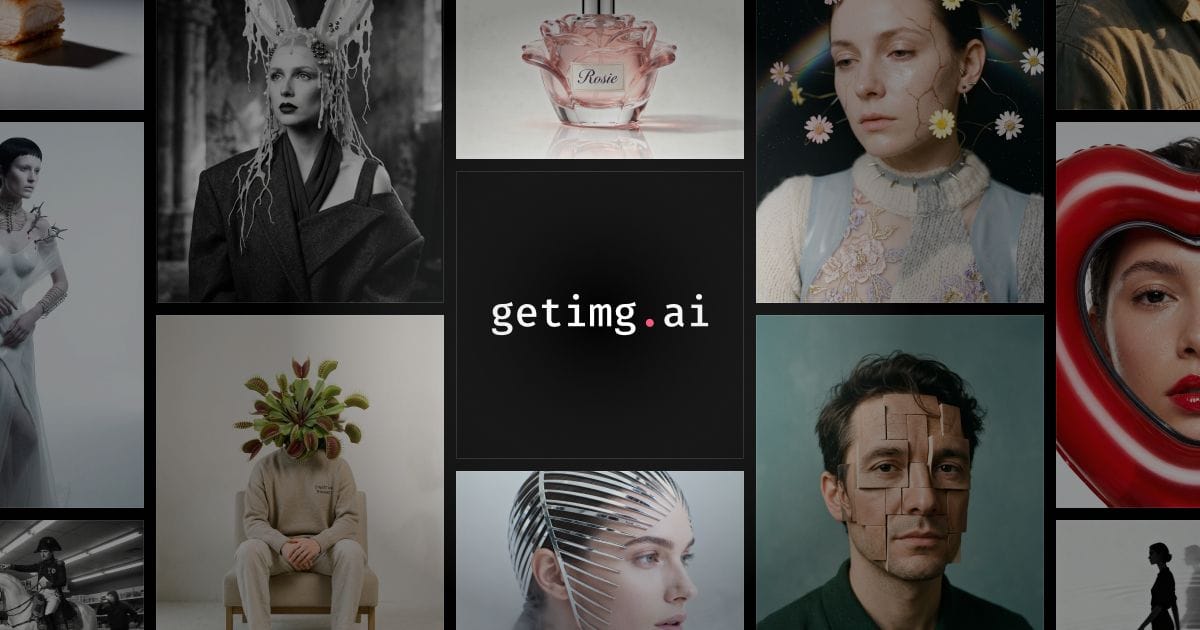
Pricing: Free (100 images/mo) · Basic $12/mo
GetImg.ai supports 60+ AI models in one platform — Stable Diffusion variants, SDXL, Flux, and more. It’s strong for bulk generation and API integration, making it popular with developers and teams who need to automate image creation at scale.
→ See GetImg.ai details and pricing
10. Canva AI Image Generator — Best for Non-Designers
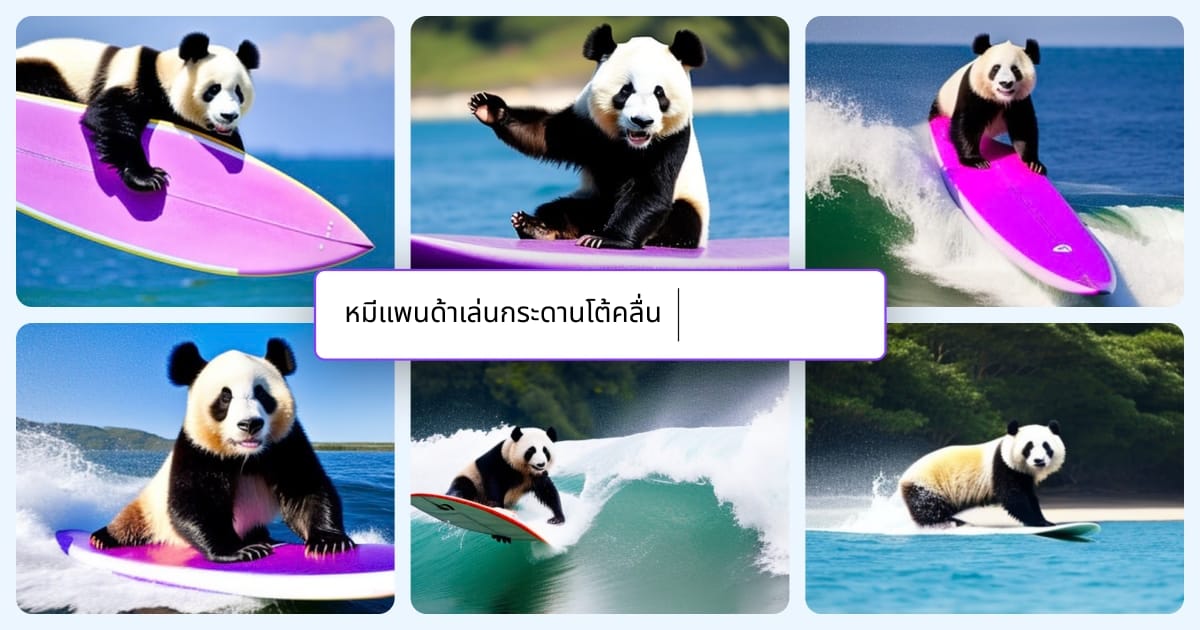
Pricing: Free · Canva Pro $15/mo
Canva’s AI image generator isn’t the most powerful, but it’s the easiest to use in context. You generate an image, then immediately drop it into a social post, presentation, or flyer — all in the same tool. For non-designers who live in Canva already, it removes the workflow friction entirely.
→ See Canva AI details and pricing
How to Choose the Right AI Image Generator
If quality is everything: Midjourney
If you need exact control: DALL-E 3 via ChatGPT
If you need photorealism: Flux AI
If you need commercial rights with no uncertainty: Adobe Firefly
If you’re on a budget or need free: Leonardo.ai free tier or Bing Image Creator
If you’re a developer or need self-hosting: Stable Diffusion
If you need text in images: Ideogram
Browse All AI Image Tools
Ready to explore further? Browse our full AI Image Generator directory to compare all options, or check our AI Image category for tools that edit, enhance, and transform images too.
Questions people ask
What is the best AI image generator in 2026?
Midjourney produces the highest-quality artistic images and is the top choice for creatives. DALL-E 3 (via ChatGPT) is the easiest to use and best for following complex prompts. Flux.1 is the best open-source option. For free use, Bing Image Creator and Adobe Firefly's free tier are the strongest no-cost options.
Which AI image generator is completely free?
Bing Image Creator (powered by DALL-E 3) is completely free with a Microsoft account. Adobe Firefly offers 25 free generative credits per month. Leonardo.ai has a generous free tier with 150 tokens daily. Stable Diffusion can be run locally for free if you have the hardware.
Is Midjourney still the best in 2026?
Midjourney remains the gold standard for artistic quality and aesthetic images. However, Flux.1 Pro has closed the gap significantly on photorealism, and DALL-E 3 beats it on prompt accuracy. The 'best' depends on your use case — Midjourney for art, DALL-E 3 for precision, Flux for photorealism.
Can I use AI-generated images commercially?
It depends on the tool. Midjourney Pro plan allows commercial use. DALL-E 3 images are owned by the user and can be used commercially. Adobe Firefly is trained on licensed content and is explicitly cleared for commercial use. Always check the specific tool's terms of service.
What is the difference between Stable Diffusion and Midjourney?
Midjourney is a closed, subscription-based service accessed through Discord. It's easier to use and produces consistently stunning results but you have no control over the model. Stable Diffusion is open-source — you can run it locally, fine-tune it, and use it however you want, but it requires more technical skill to get great results.
Tools mentioned
The toolbox

Send this to someone who's confused about AI.
It takes one tap, and they get the version without the hype.