On this page
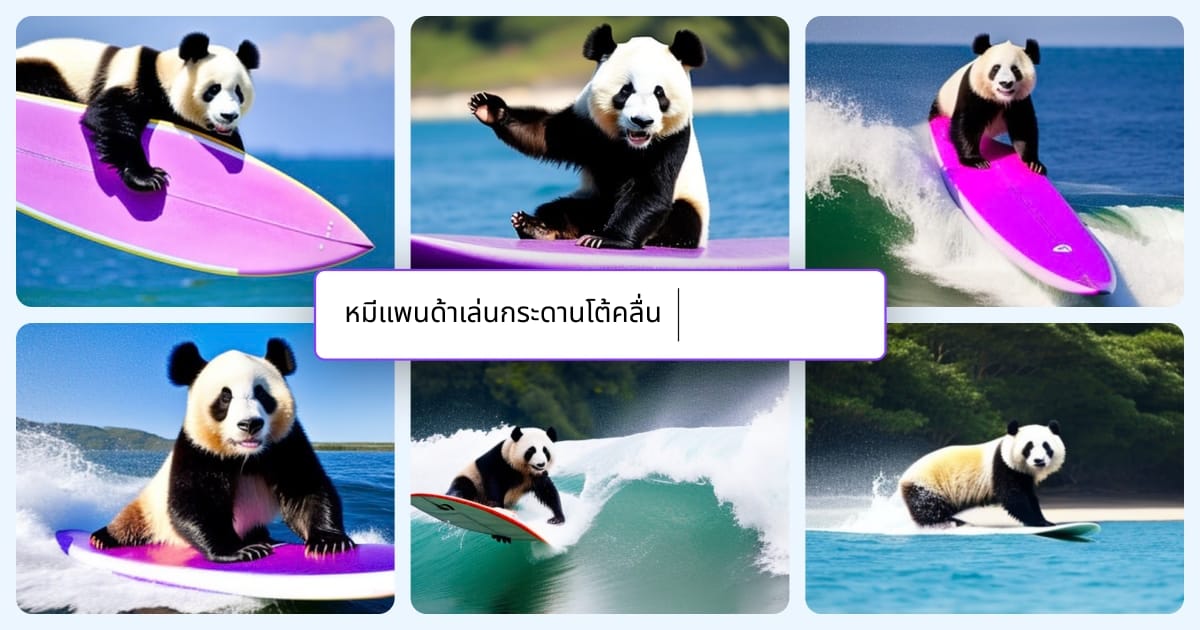
Canva’s AI Image Generator, part of its Magic Media suite, turns a text prompt into an original image without leaving the Canva editor. You type a description, pick a style, and the result appears on your canvas ready to place in a social post, presentation, flyer, or thumbnail. The whole point is workflow: most people using it are building a finished design, not chasing a standalone artwork.
That focus is what separates it from Midjourney, DALL-E, or Adobe Firefly. Those tools produce higher-fidelity images but live outside your layout, forcing an export-and-import loop. Canva trades some raw quality for the convenience of generating, editing, and publishing in one place — alongside Magic Edit, background removal, and thousands of templates.
Key Features
- Text-to-image generation inside the Canva editor
- Multiple style presets (photo, illustration, watercolor, 3D, and more)
- Results usable instantly in any template or design
- Magic Edit to replace or repaint parts of an existing image
- One-click background remover and image enhancer
- Commercial usage rights on Pro and Teams plans
Pricing
- Free: A small monthly allotment of AI image credits
- Canva Pro (around $15/month): A much larger monthly credit allowance plus full Magic Studio tools
- Teams (per-user pricing): Shared brand assets, folders, and pooled generations
Best For
Marketers, small-business owners, social media managers, and anyone who needs decent AI visuals they can immediately drop into a design. It shines for people who already live in Canva and want images without learning a separate generator.
Limitations
If image realism or precise artistic control is the priority, Midjourney or Firefly will outperform it, and Canva caps generations by credits rather than offering unlimited output. It is a convenience layer on top of a design tool, not a specialist image model.