Best AI Code Assistants in 2026 (Ranked & Reviewed)
GitHub Copilot vs Cursor vs Codeium vs Tabnine — the top AI coding tools compared on code quality, IDE support, price, and privacy.

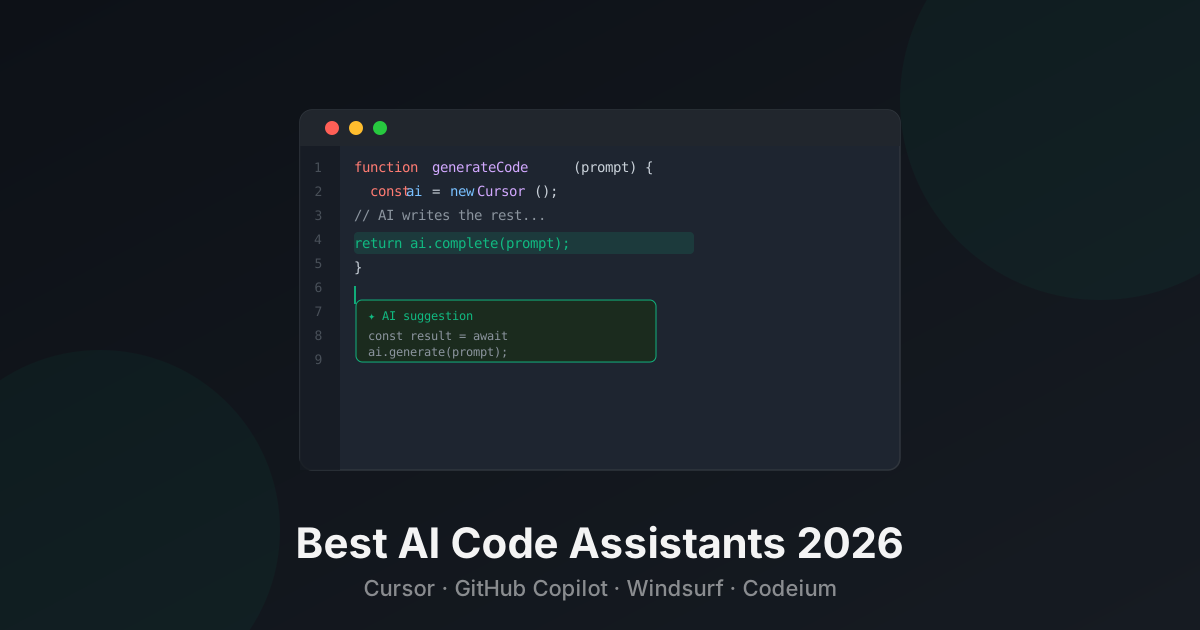
AI code assistants have moved from novelty to necessity. In 2026, most professional developers use one daily — they autocomplete, explain, refactor, debug, and write entire functions on command.
The tools have diverged significantly. Some are IDE extensions, some are full editors. Some prioritize autocomplete, others conversation. Here’s how the top four compare.
Quick Comparison
| Tool | Type | Best For | Pricing |
|---|---|---|---|
| Cursor | Full editor | Deep AI integration | Freemium |
| GitHub Copilot | IDE extension | GitHub ecosystem | $10/mo |
| Codeium | IDE extension | Best free option | Free |
| Tabnine | IDE extension | Privacy, enterprise | Freemium |
1. Cursor — Best Overall

Pricing: Free (2 weeks Pro trial) · Pro $20/mo · Business $40/user/mo
Cursor is a VS Code fork with AI as its foundation, not an afterthought. The key difference: it understands your entire codebase. Ask “why is this function returning null?” and it reads every relevant file before answering. Ask it to “add authentication to the API” and it edits multiple files correctly.
The Composer feature lets you describe a feature in plain English and watch Cursor build it across multiple files simultaneously. Tab completion is uncannily good — it predicts not just the next line but entire multi-line completions based on context.
For developers building complex projects, Cursor is genuinely a step ahead of extension-based tools.
Limitation: Switching editors has friction. If you rely on specific VS Code extensions, most work in Cursor, but occasionally something breaks.
Best for: Full-stack developers, solo engineers building complete features, developers who want the most powerful AI integration.
→ See Cursor details and pricing
2. GitHub Copilot — Best for the GitHub Ecosystem
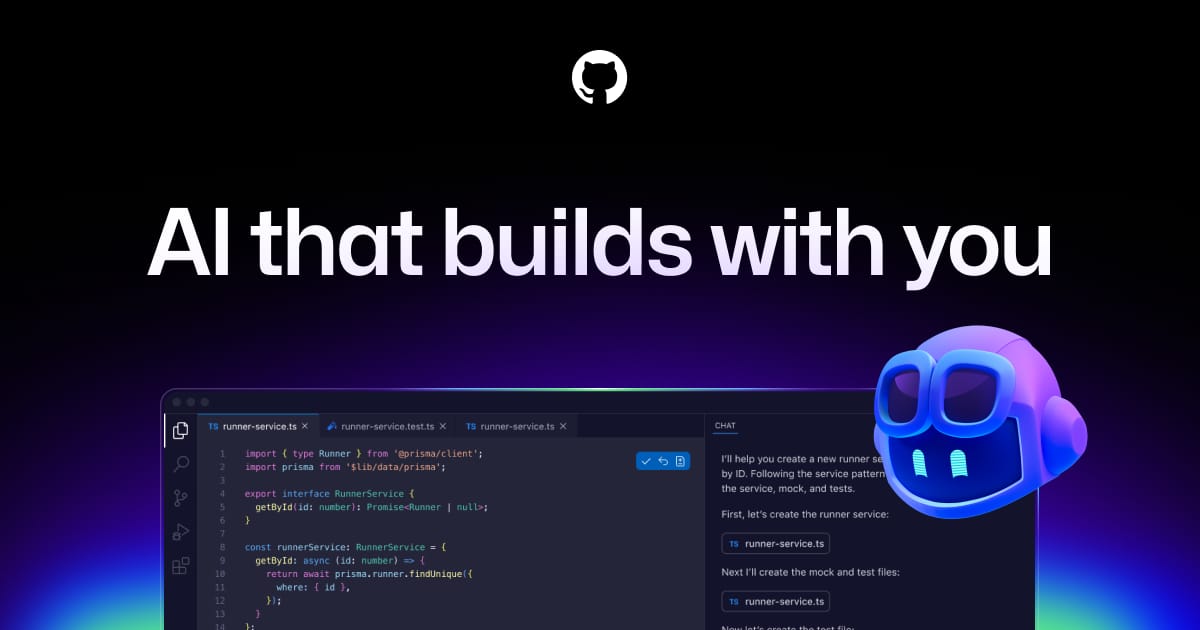
Pricing: Free (limited) · Pro $10/mo · Business $19/user/mo · Enterprise $39/user/mo
Copilot is the most widely used AI code assistant in the world. It works across every major IDE — VS Code, JetBrains, Neovim, Visual Studio — and has the deepest GitHub integration: it understands your repo’s issues, pull requests, and commit history.
Copilot Chat lets you ask questions about your code, get explanations, and request fixes inline. The workspace agent can reason across multiple files. For teams already using GitHub for version control, the workflow integration is seamless.
The Enterprise tier adds fine-tuning on your private codebase — Copilot learns your company’s coding patterns and internal APIs.
Best for: Teams on GitHub, developers in any IDE, enterprises who want AI trained on their own codebase.
→ See GitHub Copilot details and pricing
3. Codeium — Best Free Option
Pricing: Free forever · Teams $12/user/mo · Enterprise custom
Codeium is the strongest free AI code assistant available. No usage caps, no token limits — just free autocomplete, chat, and search across 70+ programming languages in 70+ IDEs. The quality is genuinely competitive with Copilot’s autocompletion.
The free tier includes the Codeium Chat, which lets you ask questions about your code, request refactors, and get explanations. For individual developers who want powerful AI assistance without a monthly fee, it’s the obvious choice.
Best for: Individual developers, students, cost-conscious teams who want a free Copilot alternative.
→ See Codeium details and pricing
4. Tabnine — Best for Privacy and Enterprise
Pricing: Free · Pro $12/mo · Enterprise custom
Tabnine’s key differentiator is privacy. The Enterprise version runs entirely on-premise — your code never leaves your network. For companies in regulated industries (finance, healthcare, government), this removes the main barrier to AI adoption in development workflows.
Code completion quality is solid, and Tabnine can be fine-tuned on your private codebase to learn your team’s patterns, frameworks, and naming conventions. The result is suggestions that feel like they came from a teammate who knows your codebase.
Best for: Enterprise teams with strict data security requirements, regulated industries.
→ See Tabnine details and pricing
How to Choose
Want the most powerful AI integration: Cursor
Already use GitHub, need multi-IDE support: GitHub Copilot
Want free with no compromises: Codeium
Need on-premise / strict privacy: Tabnine
Browse all AI Code Assistant tools or explore the full AI Coding category.
Questions people ask
What is the best AI code assistant in 2026?
Cursor is the best AI code assistant for serious developers who want deep AI integration in their editor. GitHub Copilot is the best choice for developers already in the GitHub ecosystem. Codeium is the best free option with solid quality across all major IDEs.
Is GitHub Copilot worth it?
Yes, for most professional developers. At $10/mo, it pays for itself if it saves you even 30 minutes of work per month. Studies show Copilot increases developer productivity by 55% on common tasks. The quality has improved significantly — it now understands full codebase context, not just the current file.
Is there a free AI code assistant?
Yes. Codeium is completely free for individual developers with no usage limits. It works in 70+ IDEs and supports 70+ programming languages. The quality rivals Copilot for autocompletion, though it lacks some of Copilot's chat and codebase-wide features.
What is Cursor and how is it different from Copilot?
Cursor is a full code editor (fork of VS Code) with AI built into its core, not bolted on as an extension. It understands your entire codebase, lets you chat with your code, apply multi-file edits, and review changes in natural language. Copilot is an extension you add to your existing editor. Cursor's AI integration is deeper and more powerful.
Which AI code assistant is best for privacy?
Tabnine is the best choice for privacy-sensitive environments. It can run entirely on-premise with no code ever leaving your network. Codeium also has strong privacy controls. GitHub Copilot Business offers IP indemnity and data privacy controls for enterprises.
Tools mentioned
The toolbox



Send this to someone who's confused about AI.
It takes one tap, and they get the version without the hype.