Best AI Grammar Checkers in 2026 (Ranked & Reviewed)
Grammarly vs LanguageTool vs ProWritingAid — we compare the top AI grammar checkers on accuracy, features, language support, and price.

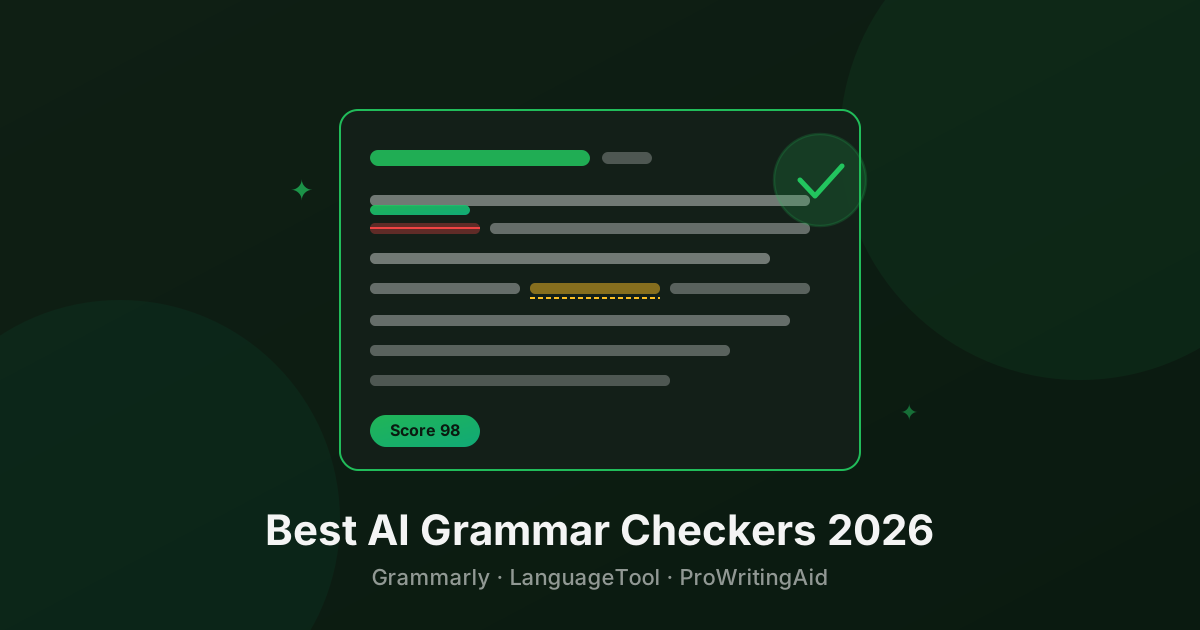
Bad grammar undermines good ideas. An AI grammar checker catches the errors you miss when you’re too close to your own writing — and in 2026, the best ones do far more than fix commas.
Here are the top three, ranked.
Quick Comparison
| Tool | Best For | Pricing | Languages |
|---|---|---|---|
| Grammarly | All-round accuracy | Freemium | English |
| LanguageTool | Multilingual + free | Freemium | 30+ |
| ProWritingAid | Long-form & deep edits | Freemium | English |
1. Grammarly — Best All-Round
Pricing: Free · Premium $12/mo (annual) · Business $15/user/mo
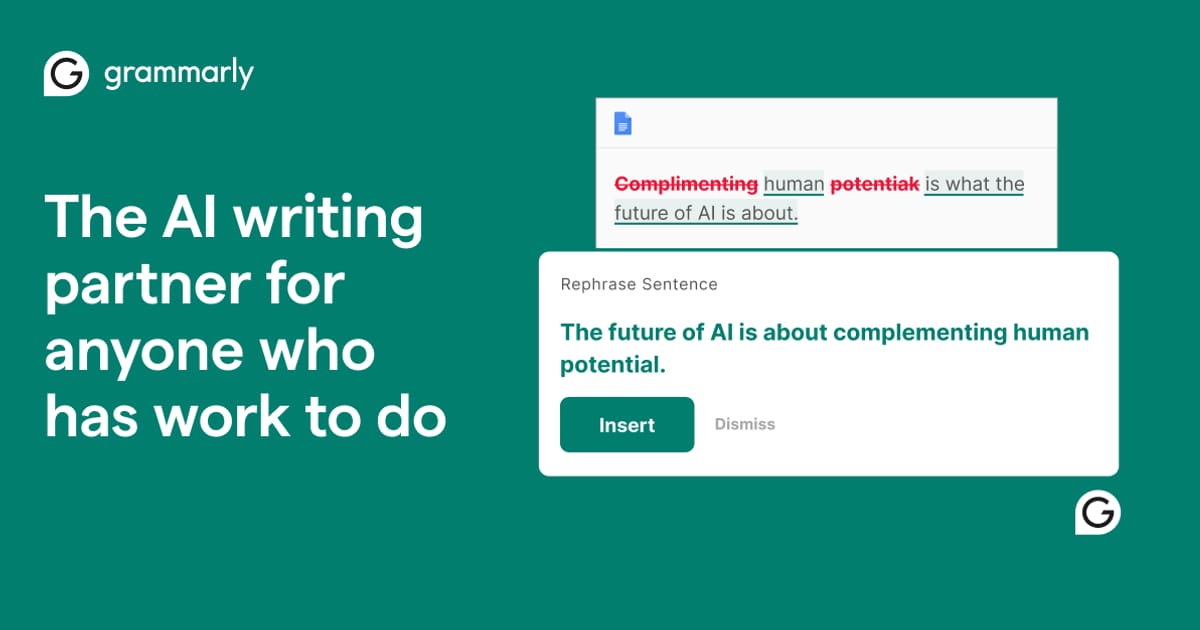
Grammarly is the market leader for good reason. It catches more errors than any competitor, its suggestions are usually right, and its browser extension works everywhere — Gmail, Google Docs, LinkedIn, Notion, Slack. You barely have to think about it.
The Premium tier adds tone detection (“this sounds passive-aggressive”), clarity rewrites that restructure entire sentences, a full plagiarism checker, and vocabulary enhancement. The AI writing assistance in Premium can rewrite paragraphs in different styles — formal, casual, confident.
GrammarlyGO (the generative AI layer) lets you prompt for rewrites, replies, and content generation directly in the editor. It’s not replacing dedicated AI writers, but it’s useful for quick drafts.
Limitation: English only. If you write in other languages, look elsewhere.
Best for: Professionals, students, and anyone who writes in English and wants the most accurate, frictionless grammar checking.
→ See Grammarly details and pricing
2. LanguageTool — Best for Multilingual Writers
Pricing: Free · Premium €4.99/mo (annual) · Team plans available
LanguageTool is the best choice if you write in any language other than English. It supports 30+ languages including German, French, Spanish, Portuguese, Dutch, Polish, and more — with genuine grammar awareness, not just spell-check.
For English, it’s a strong Grammarly alternative. The free version is more generous than Grammarly’s — it catches style issues and picky grammar rules that Grammarly’s free tier misses. The Premium tier adds a larger rule set, a personal dictionary, and integration with more tools.
Being open-source means it can be self-hosted by enterprises with data privacy requirements — a meaningful advantage for some organizations.
Best for: Non-English writers, privacy-conscious users, teams in Europe.
→ See LanguageTool details and pricing
3. ProWritingAid — Best for Long-Form Writing
Pricing: Free (500 words at a time) · Premium $30/mo · Lifetime $399
ProWritingAid goes deeper than grammar. Its 20+ writing reports analyze pacing, overused words, sentence length variation, readability, dialogue tags, clichés, and consistency across a long document. For novelists, journalists, and anyone writing 10,000+ words, it surfaces patterns you’d never catch on your own.
The Scrivener integration is unique — no other grammar checker works natively inside the app most serious writers use. It also integrates with Google Docs, MS Word, and a desktop app.
The lifetime license ($399) is exceptional value for writers who plan to use it for years.
Limitation: The 500-word limit on the free tier is very restrictive. You need to pay to use it properly.
Best for: Novelists, bloggers, content teams who need deep analysis on long documents.
→ See ProWritingAid details and pricing
How to Choose
Best overall: Grammarly
Writing in a non-English language: LanguageTool
Writing a book or long-form content: ProWritingAid
Tightest budget: LanguageTool free tier
Browse all AI Grammar Checker tools or explore the full AI Writing category.
Questions people ask
What is the best AI grammar checker in 2026?
Grammarly is the best all-round grammar checker for most users — it catches the most errors and has the slickest interface. LanguageTool is the best free option and the top choice for non-English writers. ProWritingAid is best for long-form writing like novels and reports.
Is Grammarly worth paying for?
Grammarly Premium is worth it if you write professionally. The free tier catches basic errors. Premium adds tone detection, clarity rewrites, full-sentence suggestions, and a plagiarism checker. At $12/mo (annual), it pays for itself quickly for anyone whose writing represents their work.
Can AI grammar checkers replace a human editor?
Not fully. AI grammar checkers are excellent at catching technical errors — spelling, punctuation, subject-verb agreement, and many style issues. But they miss context-dependent errors, factual mistakes, structural problems, and tone nuance that a skilled human editor catches. Use them as a first pass, not a final one.
Which grammar checker works best for non-English languages?
LanguageTool supports 30+ languages and is the clear choice for non-English writing. Grammarly is primarily English. ProWritingAid supports English only.
Do grammar checkers work in Google Docs?
Yes. Grammarly, LanguageTool, and ProWritingAid all have browser extensions that work inside Google Docs. Grammarly also has a dedicated Google Docs add-on.
Tools mentioned
The toolbox


Send this to someone who's confused about AI.
It takes one tap, and they get the version without the hype.