On this page
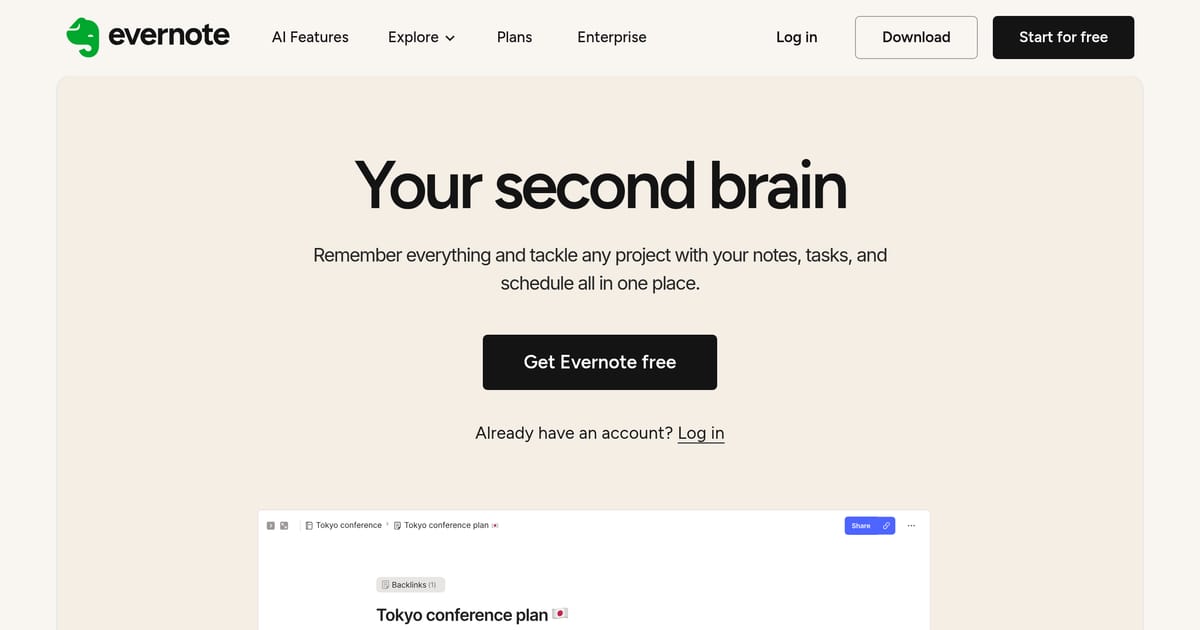
Evernote is one of the original note-taking apps, capturing ideas, web clippings, scanned documents, and to-dos for well over a decade. Recent releases add an AI layer on top of that archive: natural-language search that answers questions instead of just matching keywords, automatic summarization of long notes, and writing assistance for drafting and editing inside a note.
Since being acquired by the Italian app studio Bending Spoons in 2022–2023, Evernote has been rebuilt and repriced, with the AI features positioned as a reason for long-time users to stay rather than migrate to Notion, OneNote, or Obsidian. Its enduring strengths are capture and retrieval — the Web Clipper and cross-device sync — with AI aimed at making years of accumulated notes finally searchable in plain English.
Key Features
- AI search — ask questions across your entire note library
- AI summarization to condense long notes and documents
- Web Clipper extension for saving articles, recipes, and PDFs
- Document and receipt scanning from a phone camera
- Tasks and reminders embedded within notes
- Cross-device sync with offline access
Pricing
- Free: a limited number of notebooks and notes with a small monthly upload cap
- Personal (~$15/month): unlimited notebooks, larger uploads, and AI features
- Professional (~$18/month): more AI usage, advanced search, and task tools
Best For
Long-time Evernote users with years of accumulated notes who want AI to make that existing library searchable, plus anyone who values best-in-class web clipping and reliable capture across devices.
Limitations
The current free plan is tight enough that most active users are pushed to a paid tier. The interface carries the weight of a mature product and feels heavier than newer, AI-native apps, and Evernote has generally shipped AI capabilities later and shallower than Notion. If you want AI woven deeply into a flexible workspace, a purpose-built rival may fit better.