On this page
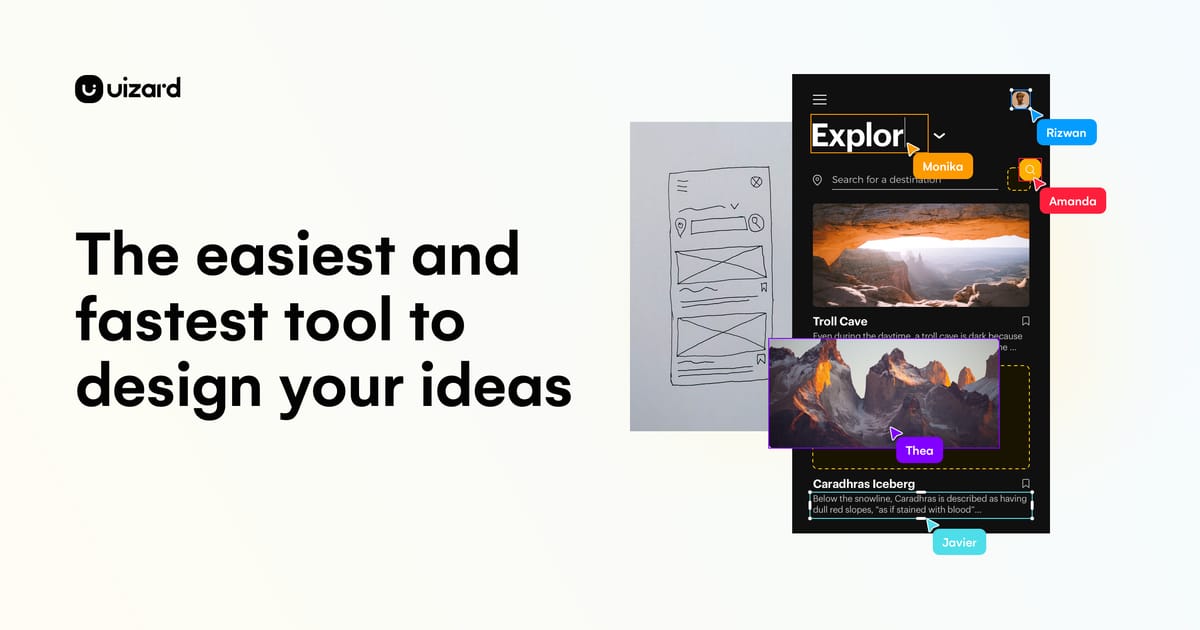
Uizard is an AI-powered UI design tool aimed squarely at people who are not designers — founders, product managers, marketers — who need to visualize an app or website quickly. Its headline features are Autodesigner, which generates a multi-screen mockup from a plain-text prompt; sketch-to-wireframe, which converts a photo of a hand-drawn layout into a digital design; and a screenshot scanner that turns an image of an existing app into editable components.
Originally an independent startup out of Copenhagen, Uizard was acquired by Miro in 2024, bringing its AI design generation into Miro’s collaboration ecosystem. It sits at the opposite end of the spectrum from Figma: where Figma is a precise, professional design tool with a real learning curve, Uizard trades pixel-level control for speed and approachability. Think of it as a fast way to get from idea to a shareable, clickable mockup.
Key Features
- Autodesigner: text prompt to multi-screen app or web mockup
- Sketch-to-wireframe conversion from a photo
- Screenshot scanner to import and edit existing UIs
- Drag-and-drop editor with pre-built UI components and templates
- Themes to restyle a whole project instantly
- Basic clickable prototyping and sharing
- Team collaboration, now tied into Miro
Pricing
- Free: a small number of projects and screens, limited AI generations
- Pro (~$12–19/month): unlimited projects, more AI features and screens
- Business (~$39/user/month): team seats, custom fonts, priority support
- Enterprise: custom, via Miro
Best For
Non-designers, early-stage founders, and product managers who need to sketch out and communicate app ideas or wireframes quickly without hiring a designer or learning Figma.
Limitations
Uizard is a fast ideation and prototyping tool, not a production design system. The generated UI is a starting point that usually needs refinement, and anyone doing serious interface work — design systems, precise components, developer handoff — will hit its ceiling and move to Figma. The free tier’s project and screen caps are also restrictive.