On this page
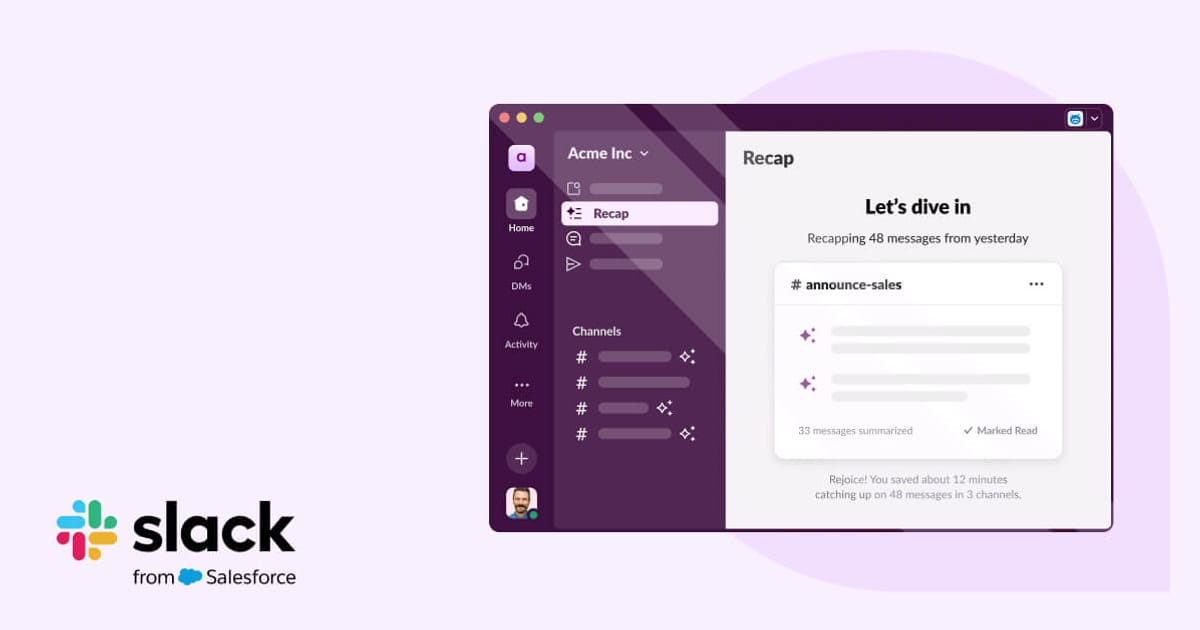
Slack AI is a set of AI features layered directly into Slack rather than a separate product. Its headline pieces are channel recaps (a digest of what happened while you were away), thread summaries (long back-and-forths compressed to bullet points), and an AI search that answers plain-language questions — “what did we decide about the launch date?” — by pulling and citing the relevant messages from your workspace history.
Slack is owned by Salesforce, and Slack AI is positioned as the on-ramp to that broader ecosystem, including deeper ties to Salesforce data and the Agentforce agent platform. The key selling point is boundary: the AI runs on your own workspace’s messages, files, and channels without that content leaving Slack’s security and compliance perimeter or being used to train third-party models.
Key Features
- Channel recaps — AI digests of activity you missed
- Thread summaries that condense long discussions
- AI search that answers natural-language questions with cited sources
- Huddle notes — transcripts and summaries of voice huddles
- Workflow Builder automations, increasingly AI-assisted
- Answers grounded in your files, canvases, and connected apps
Pricing
- Requires a paid Slack plan: Pro or Business+ per user per month as the base
- Slack AI add-on: an additional per-user monthly fee on top of that base plan
- Enterprise Grid: custom pricing with AI available across the org
Best For
Mid-size and larger companies already standardized on Slack, especially distributed teams drowning in unread channels who want faster catch-up and a searchable institutional memory.
Limitations
Slack AI only pays off if Slack is genuinely where your team works — it does nothing for message history that lives elsewhere. It is also a paid add-on stacked on a paid plan, so the per-seat cost adds up. And because summaries reflect your inputs, messy or sprawling channels produce vaguer recaps than tidy, well-scoped ones.