On this page
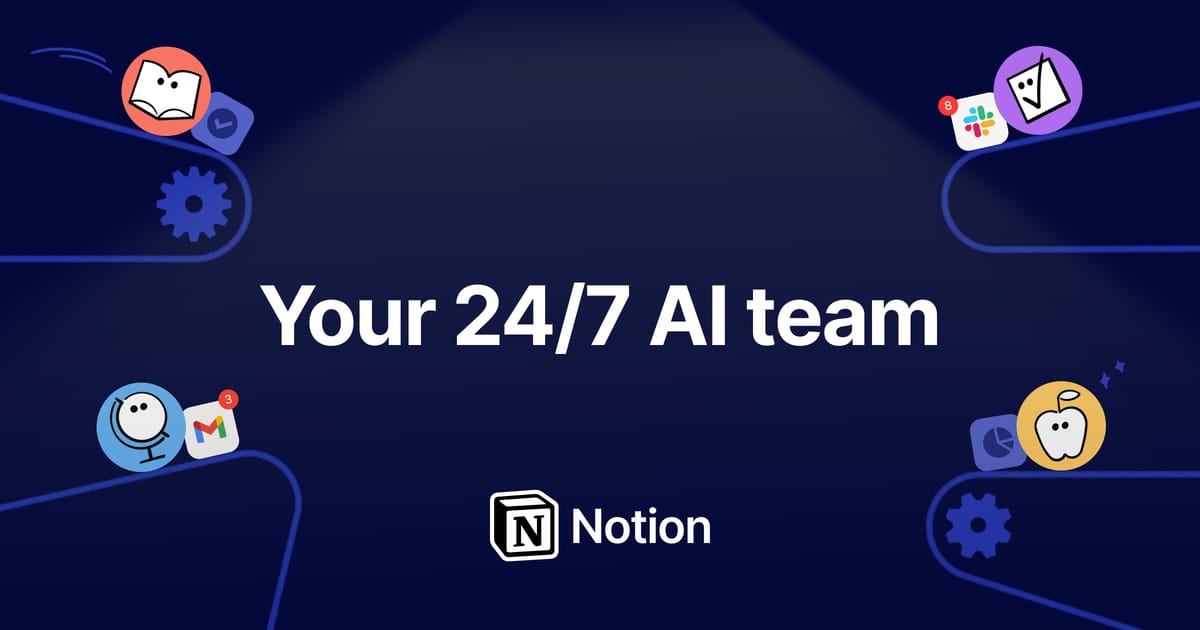
Notion is an all-in-one workspace where teams write documents, run databases, and store company knowledge — and Notion AI layers assistance directly onto that content. Because the AI lives inside the same pages your team already uses, it can summarize a doc, draft an SOP, or clean up meeting notes without exporting anything to a separate tool.
Its most useful capability for organizations is Q&A: ask a plain-English question and Notion AI searches across your entire workspace to answer it, citing the pages it drew from. With connectors, that search can extend into Slack, Google Drive, and other sources, turning the workspace into a searchable knowledge base rather than a pile of scattered docs. That combination is what distinguishes it from bolt-on writing assistants — the AI has your team’s actual context.
Notion’s databases add a second dimension: the same flexible tables that hold your wiki can run projects, track tasks, and be filled or updated with AI-assisted properties, so writing and project management sit side by side.
Key Features
- AI writing, editing, and summarization on any page
- Workspace-wide Q&A that searches your docs and databases
- Connectors to pull answers from Slack, Google Drive, and more
- AI-assisted database properties and auto-fills
- Meeting notes turned into action items automatically
- Shared team wikis, docs, and project boards in one place
Pricing
- Free: Core workspace for individuals, with limited AI
- Plus (~$10/user/month): Unlimited pages and collaboration for small teams
- Business (~$18–20/user/month): Advanced permissions with AI included
- Enterprise: SSO, audit logs, and custom pricing
- Note: AI is bundled into higher tiers or sold as a per-seat add-on depending on plan
Best For
Teams that already run — or want to consolidate onto — a single workspace for documents, projects, and company knowledge, and want AI that understands that context rather than working from a blank prompt.
Limitations
The AI is only as good as the workspace behind it: messy, out-of-date pages produce weak answers, so Q&A rewards teams that keep things organized. AI capabilities also carry extra cost above the base per-seat price, and Notion’s flexibility comes with a real learning curve for newcomers. Organizations that only need a chat assistant, not a full workspace, may find a standalone tool simpler and cheaper.