

- RatingWins
- PricingWins
- Freemium
- Category
- AI Coding AI Code Assistant
- Best for
- Codebase-aware AI for chat, multi-file edits, and refactors
- Strengths
-
- Codebase-aware AI for chat, multi-file edits, and refactors
- Familiar VS Code interface — existing extensions and themes work
- Fast, context-aware tab autocomplete that predicts your next edits
- Watch-outs
-
- Privacy-sensitive teams must trust code sent to AI servers
- Usage-based pricing can be confusing and add up on heavy use
- Can lag native VS Code on very large repositories
- Last updated
- Visit
- Visit Cursor
AI Code Assistant · Head-to-head
Two AI code assistant tools compared on the same eight rows — rating, pricing, what each does best and where each falls short — so you can decide in a minute.
- Rating Cursor wins 4.7 vs 4.5
- Free tier Cursor wins Has a free plan
- Editor's pick GitHub Copilot wins Featured in the directory
Side by side
The same rows for both.
Rows come straight from each review. A soft highlight marks the objectively better cell: higher score, cheaper tier, fresher review.
| Criterion | Cursor | GitHub Copilot |
|---|---|---|
| Rating | Wins | |
| Pricing | Wins Freemium | Paid |
| Category | AI Coding AI Code Assistant | AI Coding AI Code Assistant |
| Best for | Codebase-aware AI for chat, multi-file edits, and refactors | Deep, first-party integration with VS Code, JetBrains, and Neovim |
| Strengths |
|
|
| Watch-outs |
|
|
| Last updated | ||
| Visit | Visit Cursor | Visit GitHub Copilot |
- Rating
- Pricing
- Paid
- Category
- AI Coding AI Code Assistant
- Best for
- Deep, first-party integration with VS Code, JetBrains, and Neovim
- Strengths
-
- Deep, first-party integration with VS Code, JetBrains, and Neovim
- Copilot Chat explains, tests, and refactors code inline
- Model choice across OpenAI, Anthropic Claude, and Google Gemini
- Watch-outs
-
- No permanent unlimited free tier — paid after generous free quota
- Autocomplete can suggest insecure or subtly wrong code
- Agentic editing lags dedicated tools like Cursor and Claude Code
- Last updated
- Visit
- Visit GitHub Copilot
Quick take, not a full review
Which one should you pick?
Pick Cursor if this matters most to you: Codebase-aware AI for chat, multi-file edits, and refactors. Pick GitHub Copilot if this does: Deep, first-party integration with VS Code, JetBrains, and Neovim.
On cost they differ: Cursor is freemium, GitHub Copilot is paid. If budget is the deciding factor, that settles it.
Our editorial scores put Cursor slightly ahead (4.7 vs 4.5), but the gap is small enough that GitHub Copilot is the better choice whenever its strengths line up with your work.
The trade-offs are real on both sides: Cursor's biggest limit is that privacy-sensitive teams must trust code sent to AI servers; GitHub Copilot's is that no permanent unlimited free tier — paid after generous free quota.
For pricing detail and limits, read the full Cursor review or the full GitHub Copilot review.
Other comparisons
All comparisons More head-to-heads in AI Code Assistant
Go deeper
Read the full reviews

Cursor
AI Code AssistantAI-first code editor — a VS Code fork with deep, codebase-aware AI for chat, multi-file edits, and autonomous agent tasks.
Details
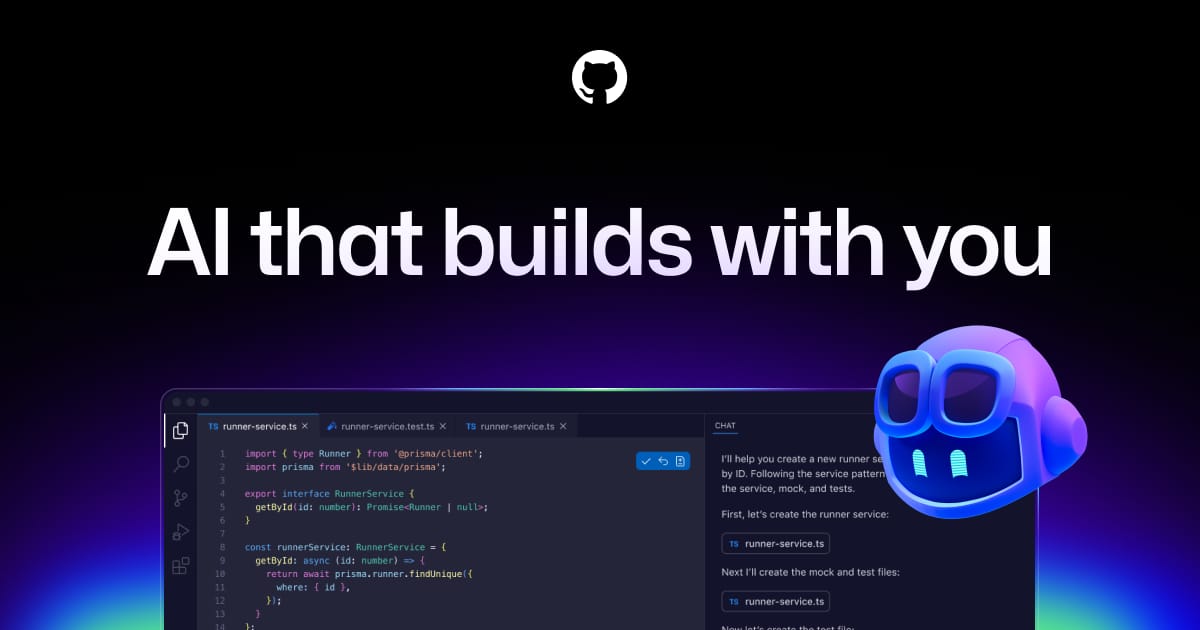
Editor's pick
GitHub Copilot
AI Code AssistantAI pair programmer from GitHub — inline code completions, chat, and PR help across VS Code, JetBrains, and more.
Details